Display
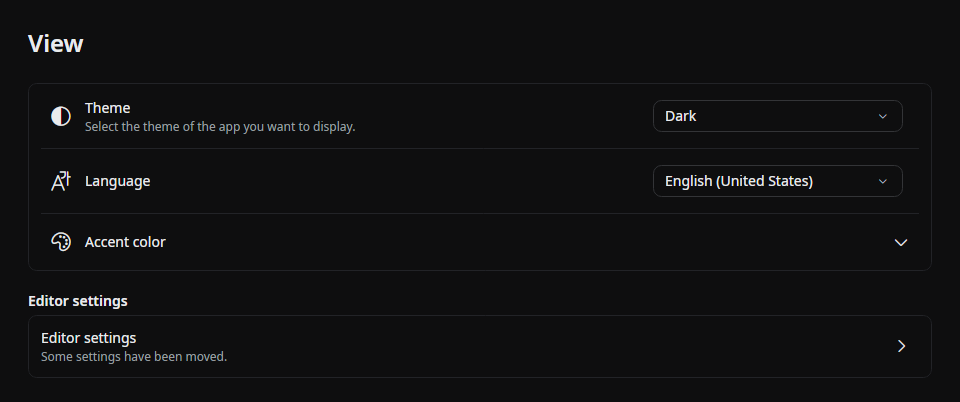
Theme
- Dark — Beutl's own near-black design. This is the default.
- Dark (Classic) — the plain dark theme, without the design overrides that Dark layers on top of it.
- Light
- High Contrast
- Follow System
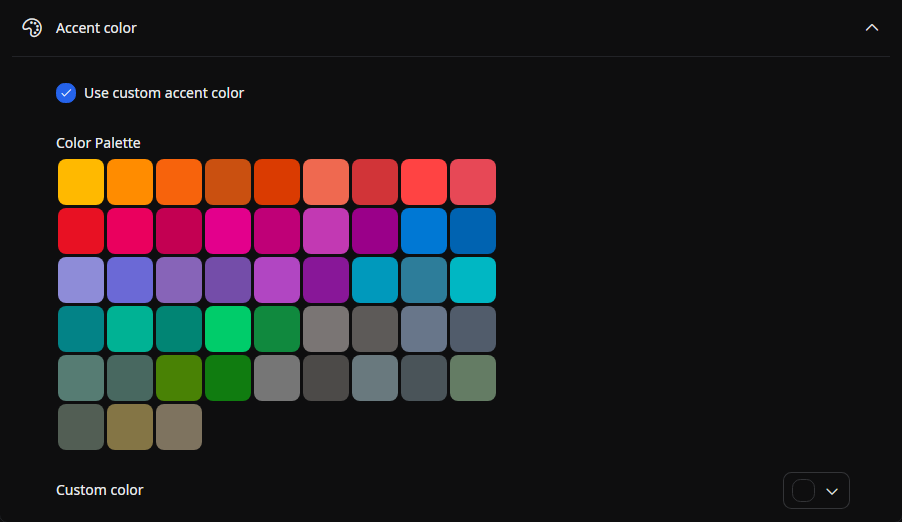
A theme can bring its own accent color, which is used unless you set an accent color of your own. Dark uses a blue accent (#2563EB); the other built-in themes leave the accent to the OS.
Extensions can add themes of their own, and any theme they register appears in this list alongside the built-in ones. See Types of Extensions You Can Develop.
note
Settings from Beutl 1.x are migrated automatically. A profile that had Light, High Contrast, or Follow System selected keeps that theme; one that was still on the old default gets the new Dark design theme.
Language
- Japanese
- English
- Simplified Chinese
- Korean
- Spanish
Accent Color
You can set any color.