Creating a Project
To create a project, go to the window menu and select File > New > Project, or
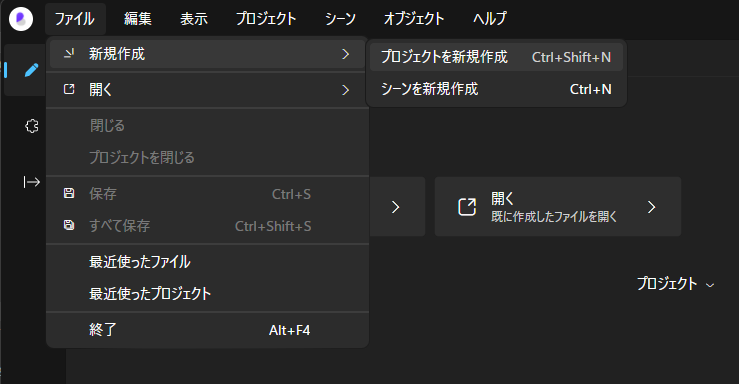
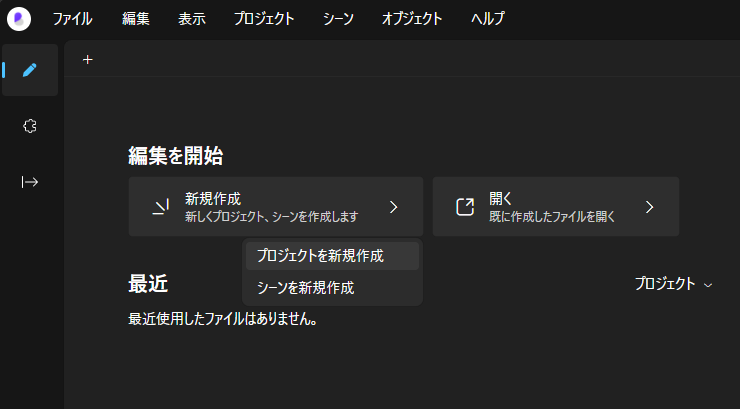
Click New > Create New Project on the start screen.
Specify the project's name and location.
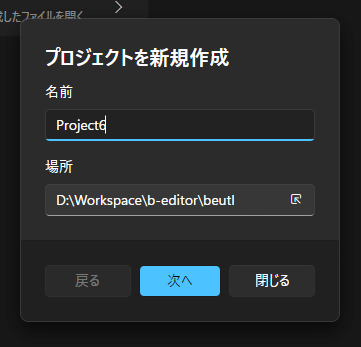
Click [Next].
Specify the frame rate, sample rate, initial scene width, and height.
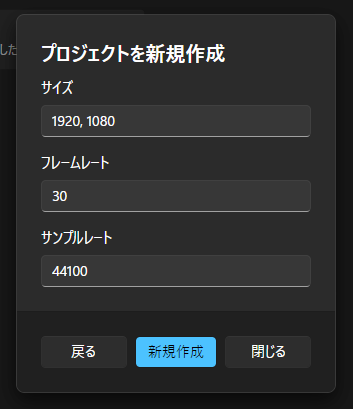
In Beutl, the specified sample rate will be used during output. It will not be used during preview playback.
Click [Create] to create the project.