Publishing Extensions
This guide explains how to publish Beutl extensions to the store.
In this guide, the C# project name is YOUR_PROJECT.
Creating a NuGet Package
Run the following command in the directory where YOUR_PROJECT.csproj is located:
dotnet pack -c Release
This will generate a YOUR_PROJECT.1.0.0.nupkg file as shown below:
YOUR_PROJECT
┣━ YOUR_PROJECT.csproj
┗━ bin
    ┗━ Release
        ┗━ YOUR_PROJECT.1.0.0.nupkg
Creating a New Package
- Go to Developer
- Sign in if you are not already signed in. 3.
- Click [Create New Extension].

- Enter the package ID (in this case, YOUR_PROJECT)
- Click [Create]. ! Create Package
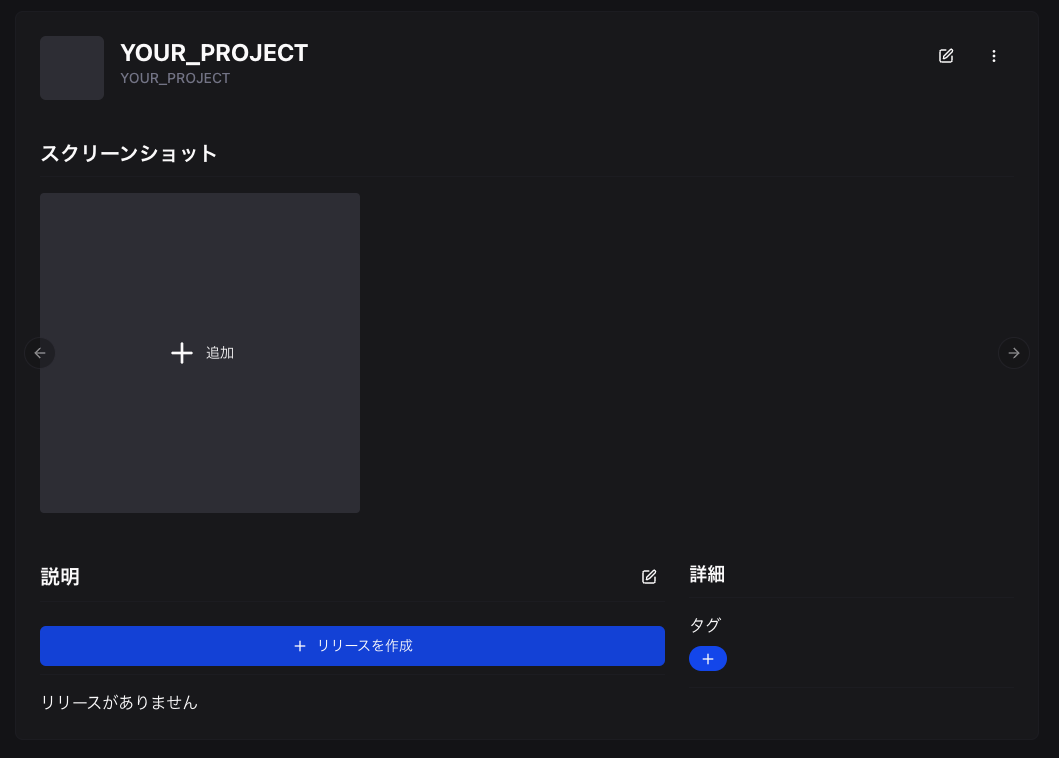
Creating a Release
-
Click [Create Release].
-
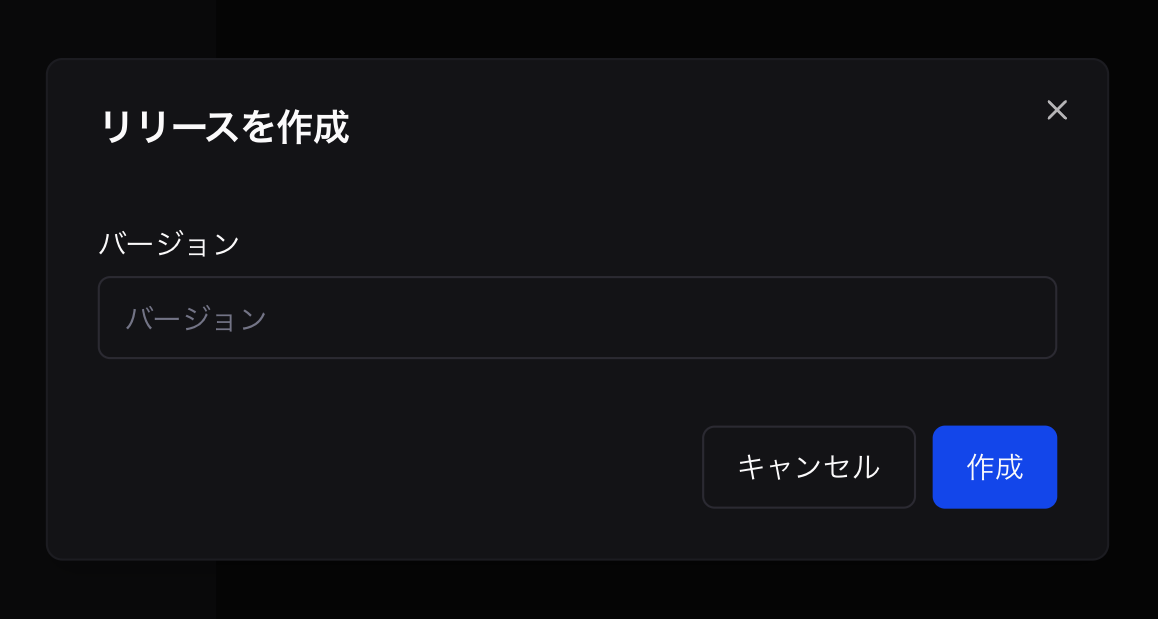
Enter the version.
-
Click [Create].
-
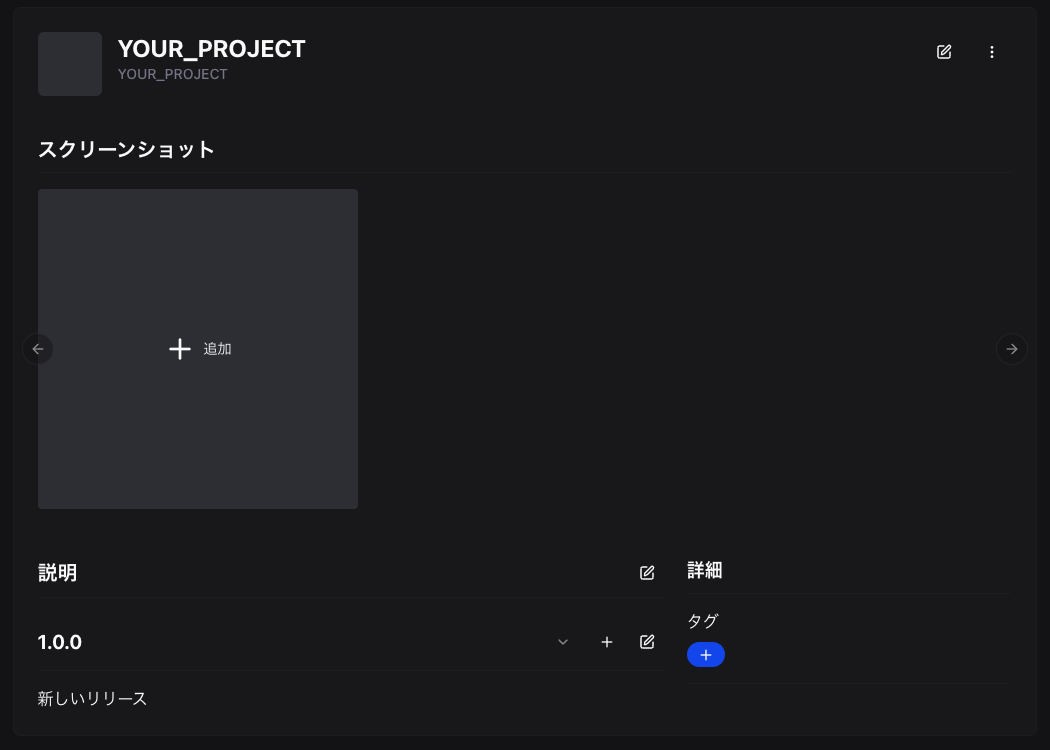
The release will be created.
-
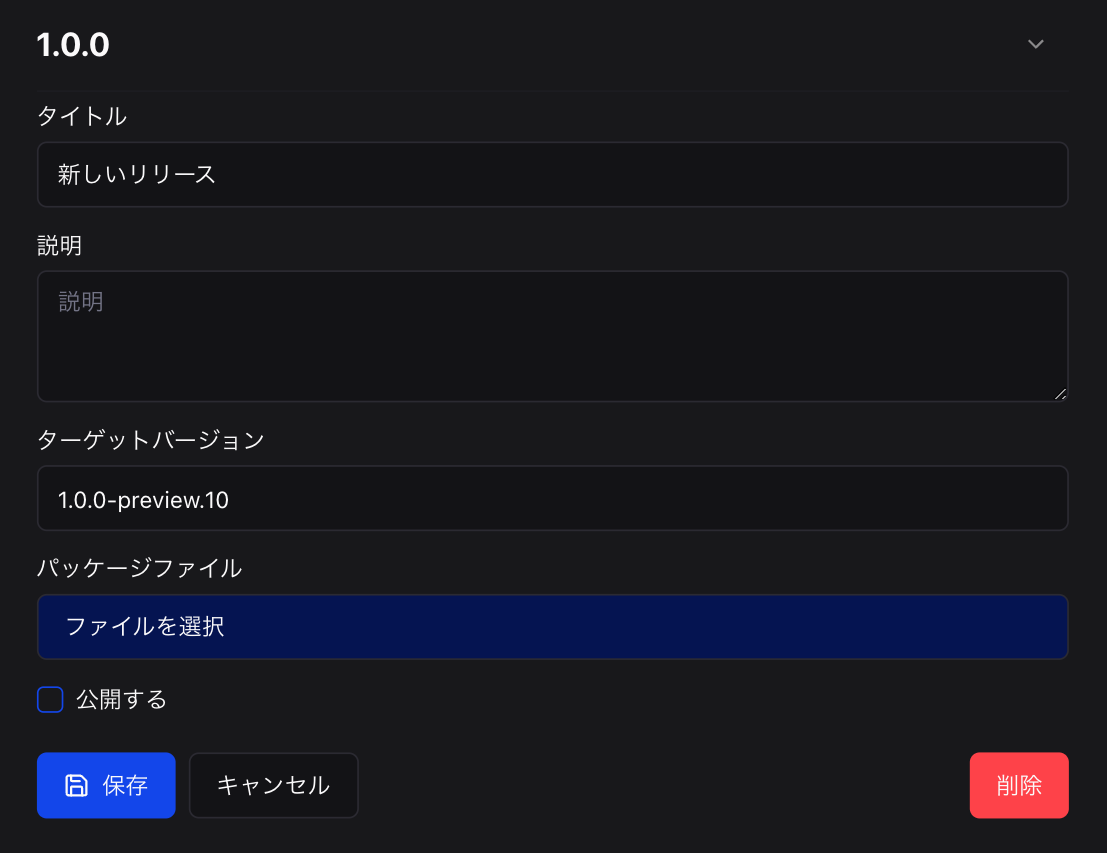
Click the edit button.
-
Click [Select File].
-
Select
YOUR_PROJECT.1.0.0.nupkg. -
Click [Publish]. (To make the package available for users to download, you need to change the package's publish settings)
-
Click [Save].
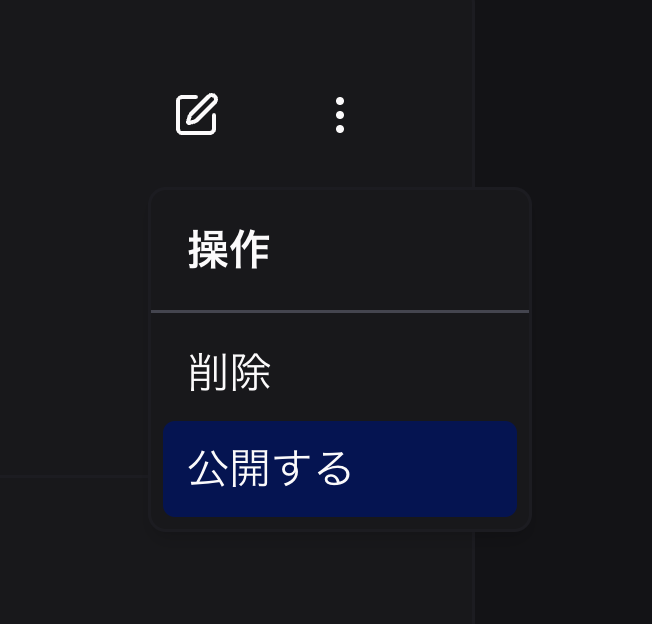
Publishing the Package
Click [Publish].